


Cara Mengatasi: No Remote Desktop License Servers Available
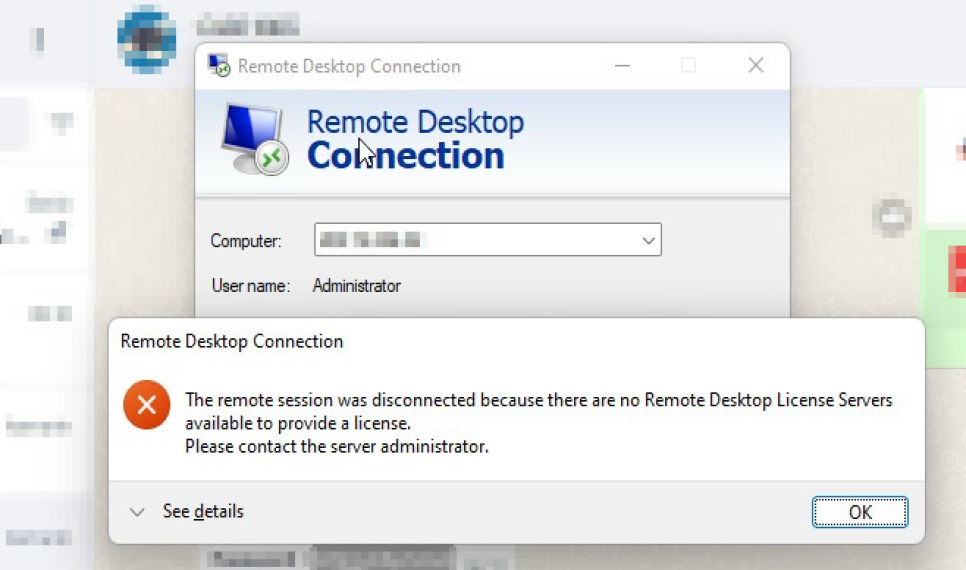
RDC Error License
ERROR saat melakukan RDC “”No Remote Desktop License Servers Available” disebabkan karena License RDC expired.
Cara mengatasinya sangat mudah:
- Regedit
- “HeKEY LOCAL MACHINE > SYSTEM > CurrentControlSet > Control > Terminal Server > RCM > GracePeriod”
- Hapus folder “GracePeriod” tersebut
- Restart Server tersebut.
Semoga bermanfaat. (WW)
- 62 views
Comments